
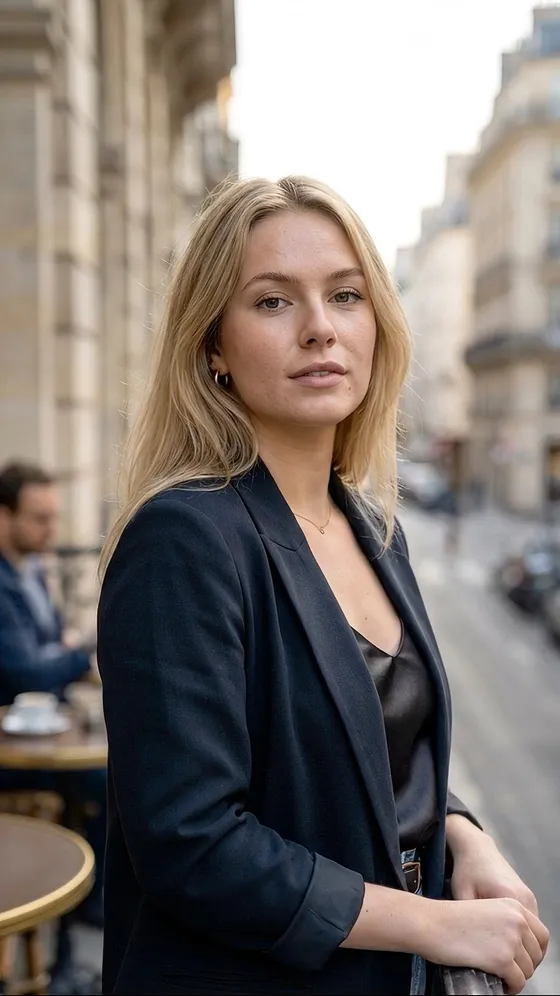










Bob
A chin-length cut with a clean edge around the face.
Try a short cut or a new shade on your own photo. Hairfy lets you choose a hairstyle and hair color, then creates an AI preview to help you decide.
Haircuts and hair colors · Before and after on your photo · 10,300+ downloads
AI previews are for inspiration. Your salon result may look different.
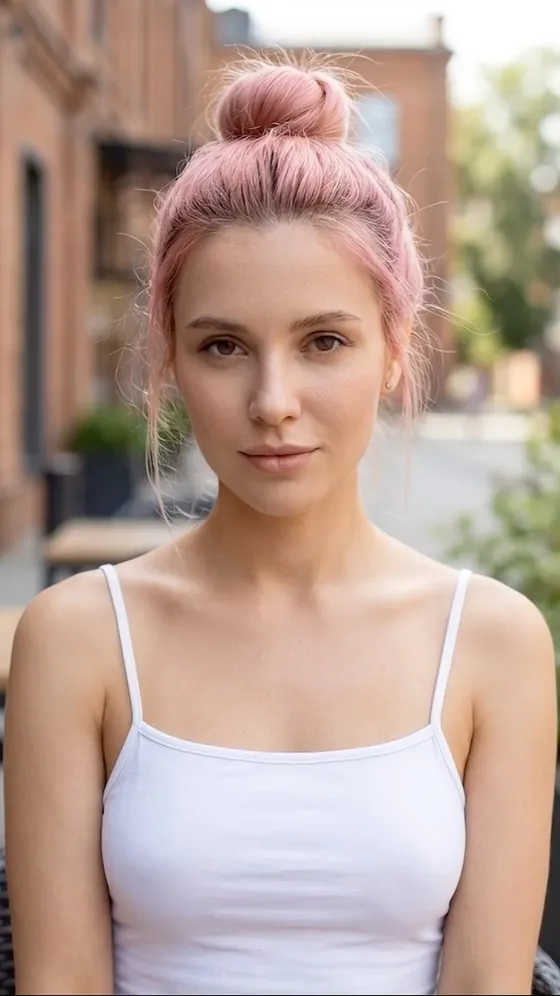
Hairstyle previews on different models. Each image shows a finished result.
A chin-length cut with a clean edge around the face.

Go short and see how a close crop frames the face.

Try a braided look with a different shape and texture.

See how loose waves add movement to a hairstyle.
1. Start with a new look
Explore hairstyles and hair colors to find something you want to try.
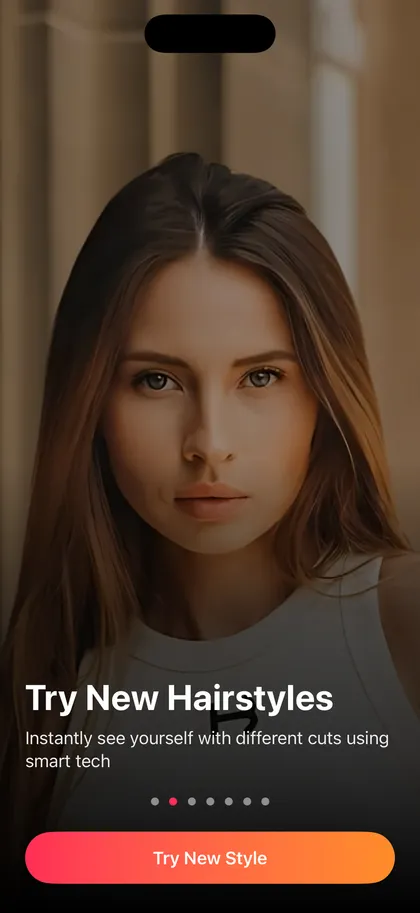
2. Create your preview
Add a clear photo, choose a cut, a color, or both, and let Hairfy generate the preview.
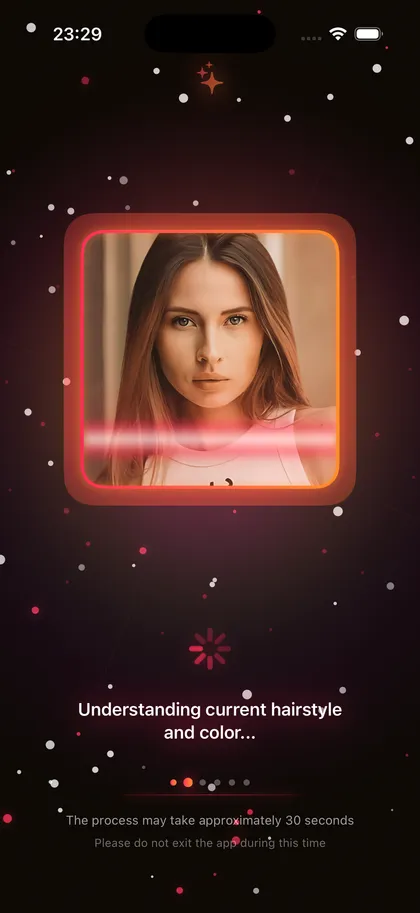
3. Compare and save
Compare your original with the result. Save the image or share it with your hairdresser.
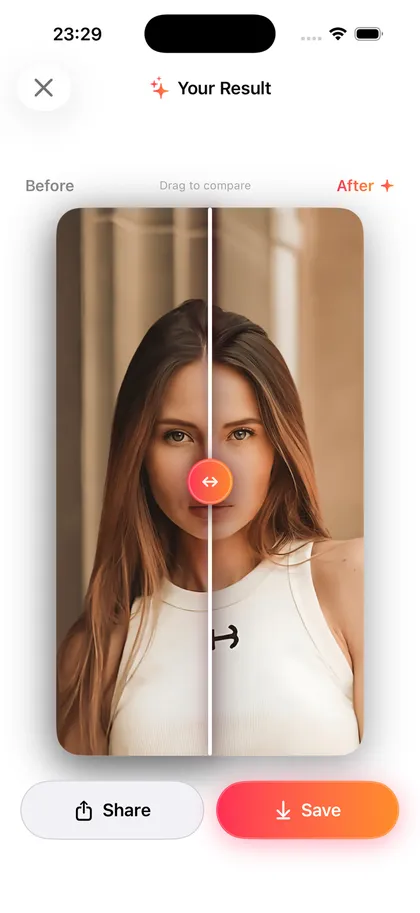
Try a different length or shape on your own photo before your next appointment.
Change the shade on its own or combine it with a haircut in the same preview.
Find previous results in the app’s local history and save your favorites to Photos.
Send a result to your hairdresser or ask a friend for a second opinion.
Hairfy creates AI photo previews to help you explore ideas. The result at a salon depends on your hair and the work involved. Show the preview to your hairdresser and discuss what is possible.
Yes. Choose a haircut, a hair color, or both for the same preview.
Use a clear, well-lit portrait with your face and hair visible. Avoid hats and anything that covers your hair.
Your photos are processed to create the preview. See the Privacy Policy for details about how photos and other data are handled.
Yes. Revisit previews in the app’s local history, save a result to Photos, or share it from the result screen.
Download Hairfy and see a new hairstyle on your own photo.